

Billing Model
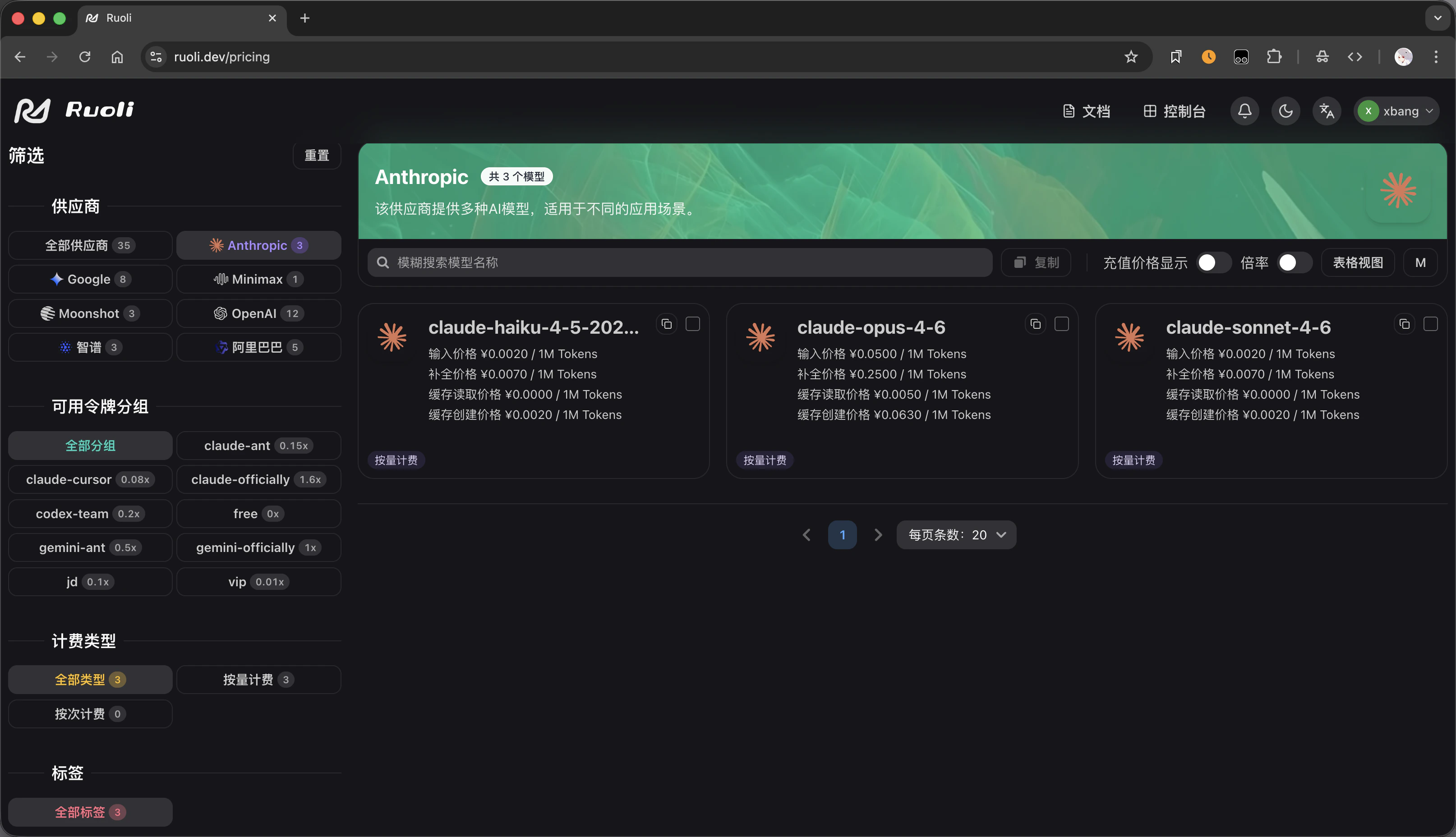
ruoli bills by actual token usage. The cost formula is:- Group Multiplier: The multiplier of the group your token belongs to (see Models & Groups)
- Input Multiplier: The per-token price multiplier for the model’s input
- Output Multiplier: The per-token price multiplier for the model’s output, typically higher than input
Top-Up
Add funds on the Wallet page in the console:- Log in to ruoli.dev
- Go to the Wallet page
- Enter the top-up amount
- Select a payment method to complete the top-up
Viewing Usage
In the console you can view:- Dashboard: Overall usage trends, model distribution, and request counts
- Logs: Detailed records for each API call (model, token count, cost)