Gemini CLI 是 Google 出品的开源 AI 编码代理,在终端中运行。
npm install -g @google/gemini-cli
使用 CC Switch 配置(推荐)
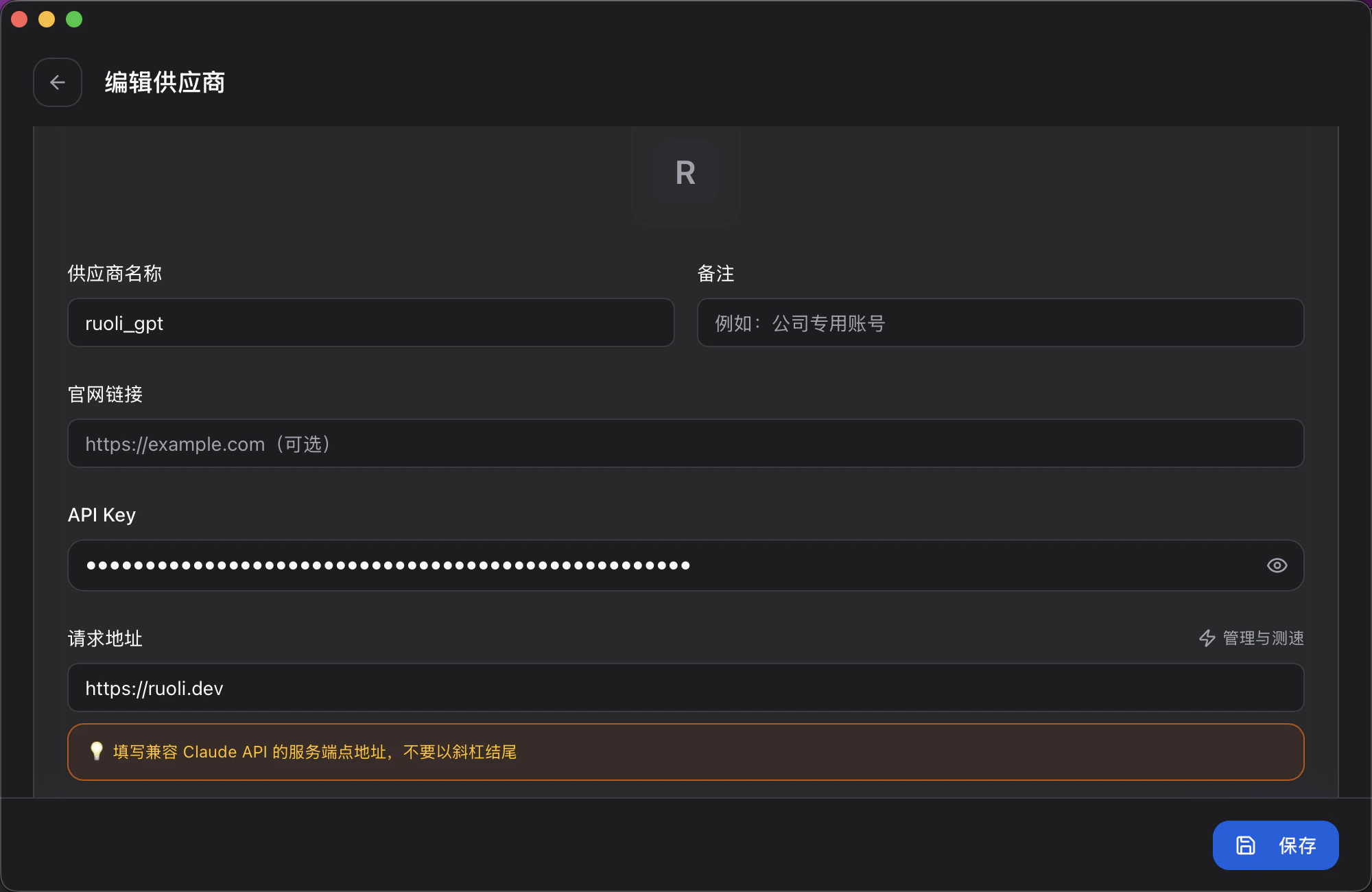
打开 CC Switch,选择顶部 Gemini 标签,点击 + 添加配置:
| 字段 | 填写内容 |
|---|
| 供应商名称 | 自定义,如 ruoli_gemini |
| API Key | 你的 Key |
| 请求地址 | https://ruoli.dev |
Gemini CLI 的请求地址是 https://ruoli.dev,不带 /v1。
手动配置
设置环境变量:
export GOOGLE_GEMINI_BASE_URL=https://ruoli.dev
export GEMINI_API_KEY=sk-你的KEY
建议写入 ~/.zshrc 或 ~/.bashrc:echo 'export GOOGLE_GEMINI_BASE_URL=https://ruoli.dev' >> ~/.zshrc
echo 'export GEMINI_API_KEY=sk-你的KEY' >> ~/.zshrc
切换模型
启动时指定模型:
gemini --model pro
gemini --model flash
/model 命令切换。也可以在 CC Switch 中切换模型。